Photo
3 creditsrebuilds real detail in photographs
- Up to 8K
Image upscaler
Enlarge a photo or a page you made here until it has the pixels to print big, with the detail rebuilt rather than stretched. Nothing is reinvented: it comes back as what you uploaded, larger.
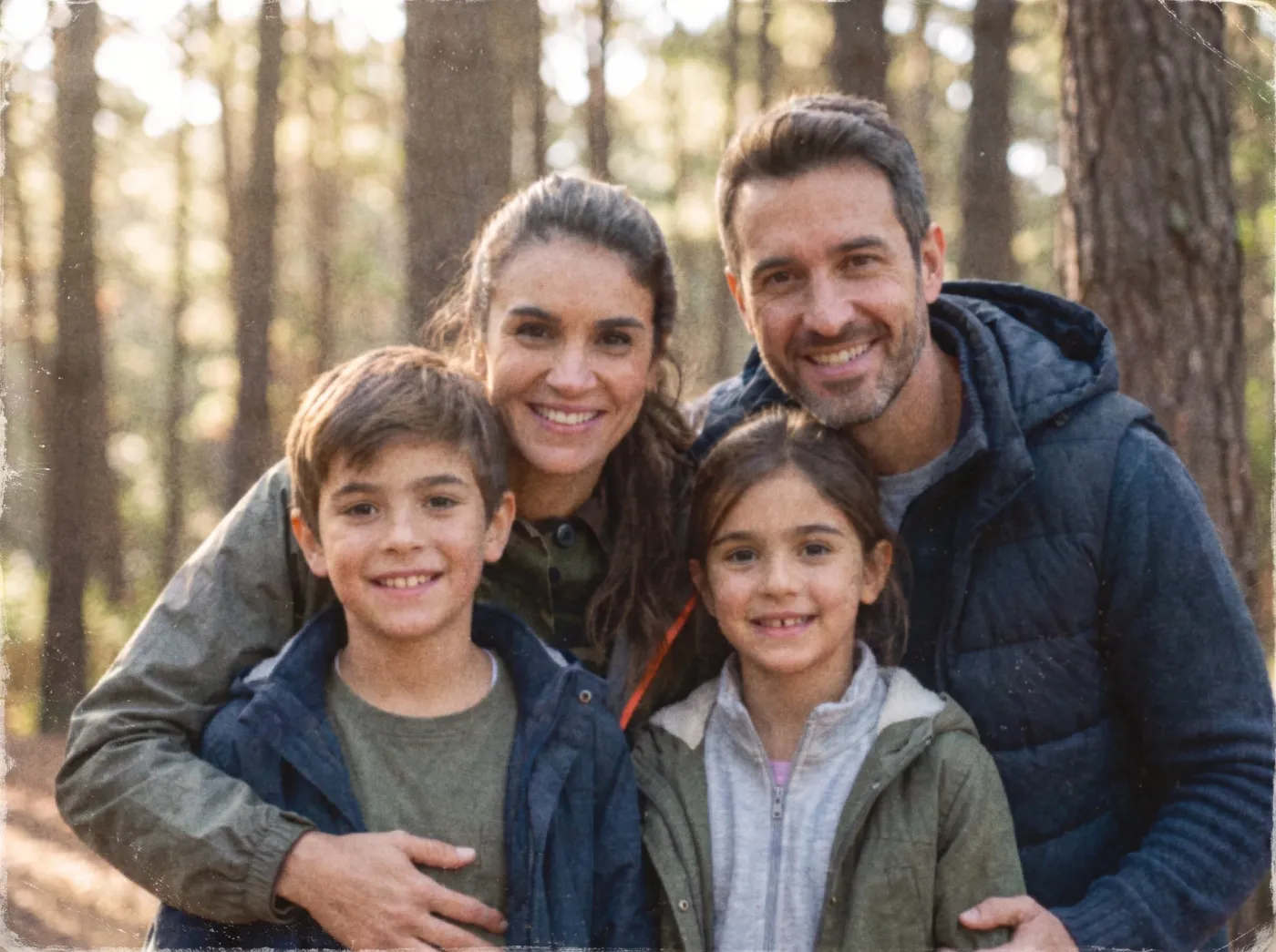
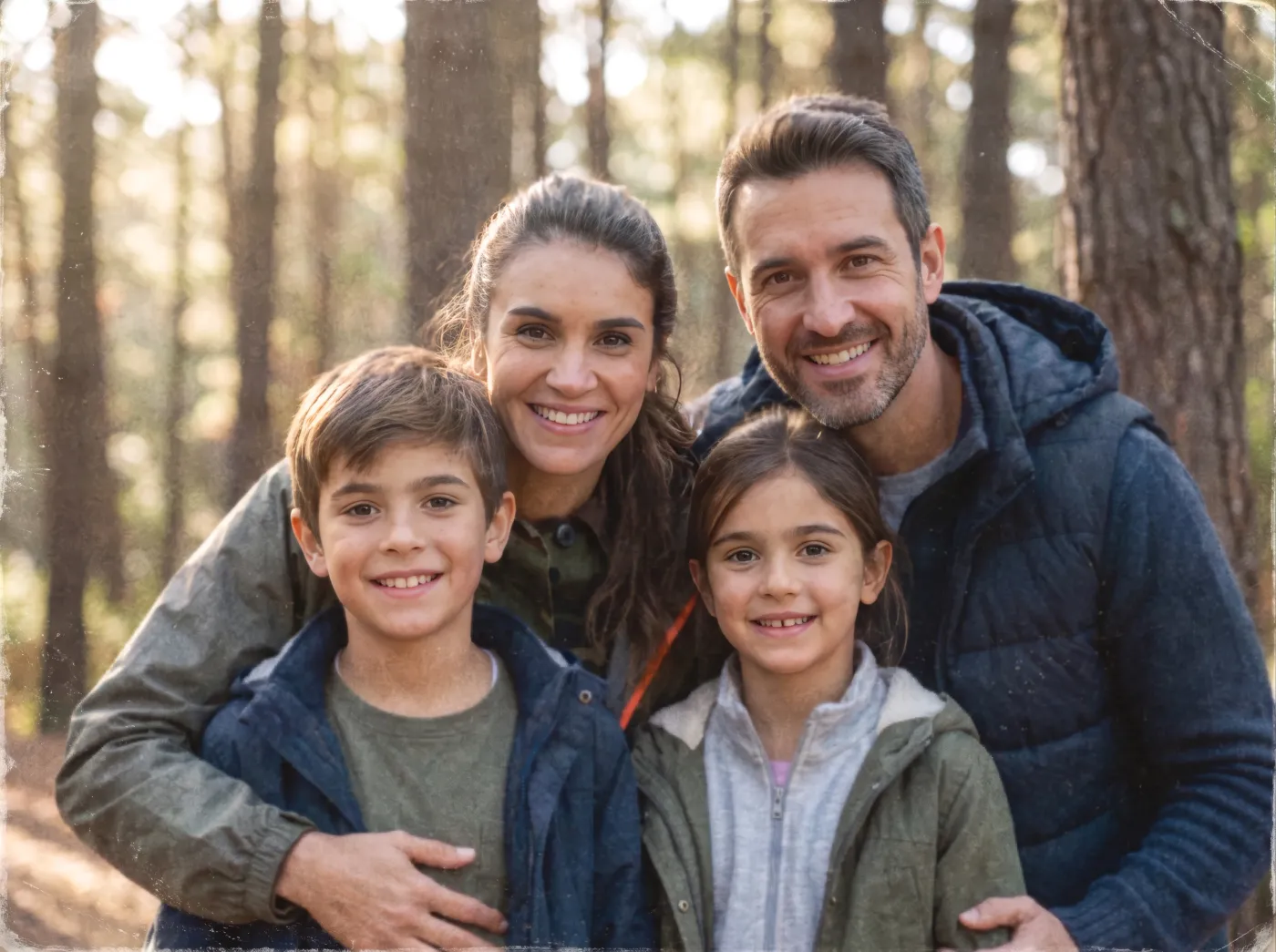
Sizes
You pick the longest edge of the finished image, not a multiplier, so the same setting gives the same file whatever you upload, and the price never depends on how big your original happened to be.
Every size comes back as PNG (lossless, large file) or JPEG (much smaller, near-identical). New uploads start at 4K.
Modes
A photograph and a drawing need opposite treatment. Picking the right one matters more than picking the dearest one.
rebuilds real detail in photographs
keeps flat colours and outlines crisp
Topaz: the best result on faces and difficult originals
The size you choose does not change the price, only the mode does.
How it works
No sliders to nudge, no masks to paint. Upload, answer two questions, download.
A photo, a scan, an old family portrait, or a page you made on Artwello. Upload only: there is nothing to enlarge about a sentence.
One of 3 output sizes (4K unless you say otherwise) and one of 3 modes, depending on whether it is a photograph or flat artwork.
You get the enlarged image at full resolution, with the original kept beside it. It is a file, not a print layout. Send it to a lab, a poster service or your own printer.
FAQ
8K: 7,680 pixels on the longest edge, which prints to about A2 (65cm); a large file. The sizes are absolute rather than multipliers, so pick one bigger than the image you have.
It rebuilds detail; it does not repaint the picture. The models behind these modes were chosen for staying faithful to what you uploaded. The 'creative' upscalers that reimagine a face or a texture were deliberately left out, because the promise here is the same picture, bigger.
Use Line art: keeps flat colours and outlines crisp. It is the mode for outlines and flat fills, and the one to use on a coloring page you made here: a photo model would invent texture in the white areas.
From 3 credits, up to 6 for Premium. The output size does not change the price, only the mode does.
The enlarged image at full resolution as PNG or JPEG, with the file you uploaded kept beside it. It is an image file rather than a print-ready page. Take it to whatever printer or lab you use.
The one that was too small to print. Signing up gives you 10 credits (3 enlargements) with no card.