Coloring page print size: Letter, A4 and printer settings
Print coloring pages on US Letter (8.5 × 11 in) if you are in the US or Canada and on A4 (210 × 297 mm) almost everywhere else, at 300 DPI. If the page was made for the other size, choose “Fit to page” in the print dialog and nothing gets cut off.
The rest of this guide covers the details that decide whether a page prints cleanly: what happens when sizes do not match, the settings that matter, and which paper suits which pens.
Standard coloring page sizes
| Size | Dimensions | Pixels at 300 DPI | Where it is used |
|---|---|---|---|
| US Letter | 8.5 × 11 in (216 × 279 mm) | 2,550 × 3,300 | Home printers in the US and Canada |
| A4 | 210 × 297 mm (8.27 × 11.69 in) | 2,480 × 3,508 | Home printers in most other countries |
| A5 | 148 × 210 mm | 1,748 × 2,480 | Half an A4 sheet: small pages, travel packs |
| A3 | 297 × 420 mm | 3,508 × 4,961 | Big posters and group coloring |
| Coloring book | 8 × 10 in (203 × 254 mm) | 2,400 × 3,000 | A common trim size for printed coloring books |
Letter is wider and shorter than A4. The difference is small, but it is enough to clip a drawing that runs close to the edge, which is why the next setting matters.
Letter vs A4: printing one on the other
- An A4 page on Letter paper has to shrink to about 94% to fit the height.
- A Letter page on A4 paper has to shrink to about 97% to fit the width.
Both are far too small a change to notice on a coloring page. What you do not want is the printer’s “Actual size” setting with mismatched paper: that crops the top and bottom (or the sides) instead of scaling.
Printer settings that matter
- Scale: “Fit to page” (Windows) or “Scale to fit” (Mac) when the page and paper sizes differ. “Actual size” or 100% only when they match.
- Margins: most home printers leave a few millimetres unprinted around the edge. “Fit” keeps the drawing inside that area. Borderless printing usually works only on photo paper.
- Black ink only: coloring pages are black lines on white. Choosing “Grayscale” or “Black and white” saves your color cartridges, and on many printers gives crisper lines.
- Quality: “Standard” is enough for line art. “Best” or “Photo” mostly uses more ink.
- PDF over image files when you have the choice. A PDF carries its page size with it, so the printer knows how big the drawing should be. An image file (PNG, JPEG) can come out at an arbitrary size depending on the app you print from.
Which paper to use
| Paper | Good for | Watch out for |
|---|---|---|
| Everyday office paper (20–24 lb / 75–90 gsm) | Crayons, colored pencils, quick kids’ pages | Markers bleed through; heavy coloring can pill the surface |
| Heavier paper (28–32 lb / 105–120 gsm) | Markers, gel pens, lots of layering | Costs more per sheet |
| Light cardstock (65–80 lb / about 175–215 gsm) | Markers, pages to keep or hang up, kids who press hard | Check your printer’s maximum paper weight first |
| Mixed-media or watercolor paper | Watercolor and wet media | Many home printers cannot feed it; check the manual |
Whatever you use, put a spare sheet under the page when coloring with markers, so any bleed-through ends up on that instead of the table.
Resolution: why 300 DPI
Line art is forgiving, but not unlimited. At 300 DPI, black outlines print with crisp edges. Much lower and the lines pick up a grey, fuzzy fringe that shows as soon as a child starts coloring next to them. For the pixel side of this, including what to do with a small image, see image resolution for printing.
Making a page that is already the right size
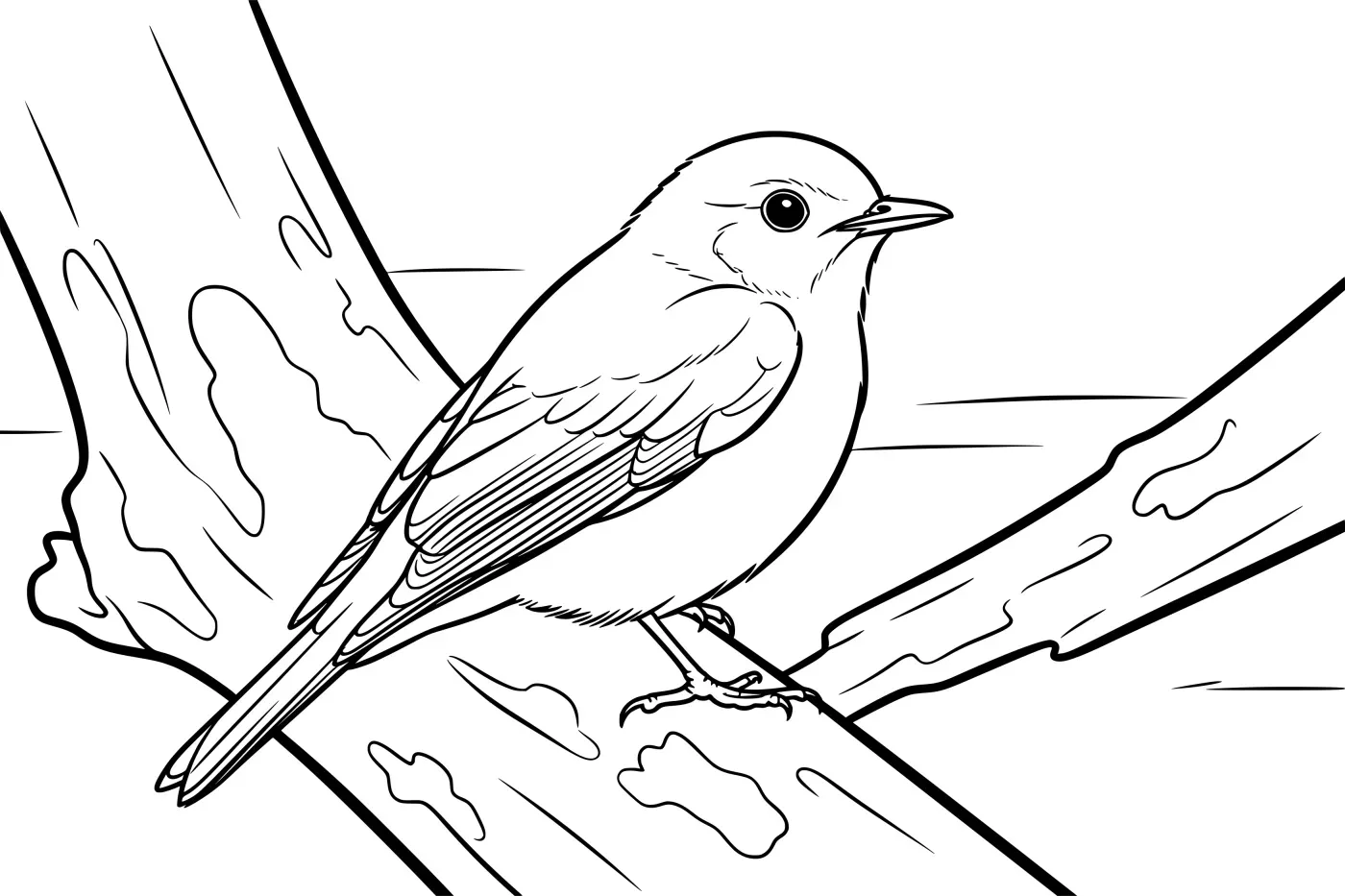
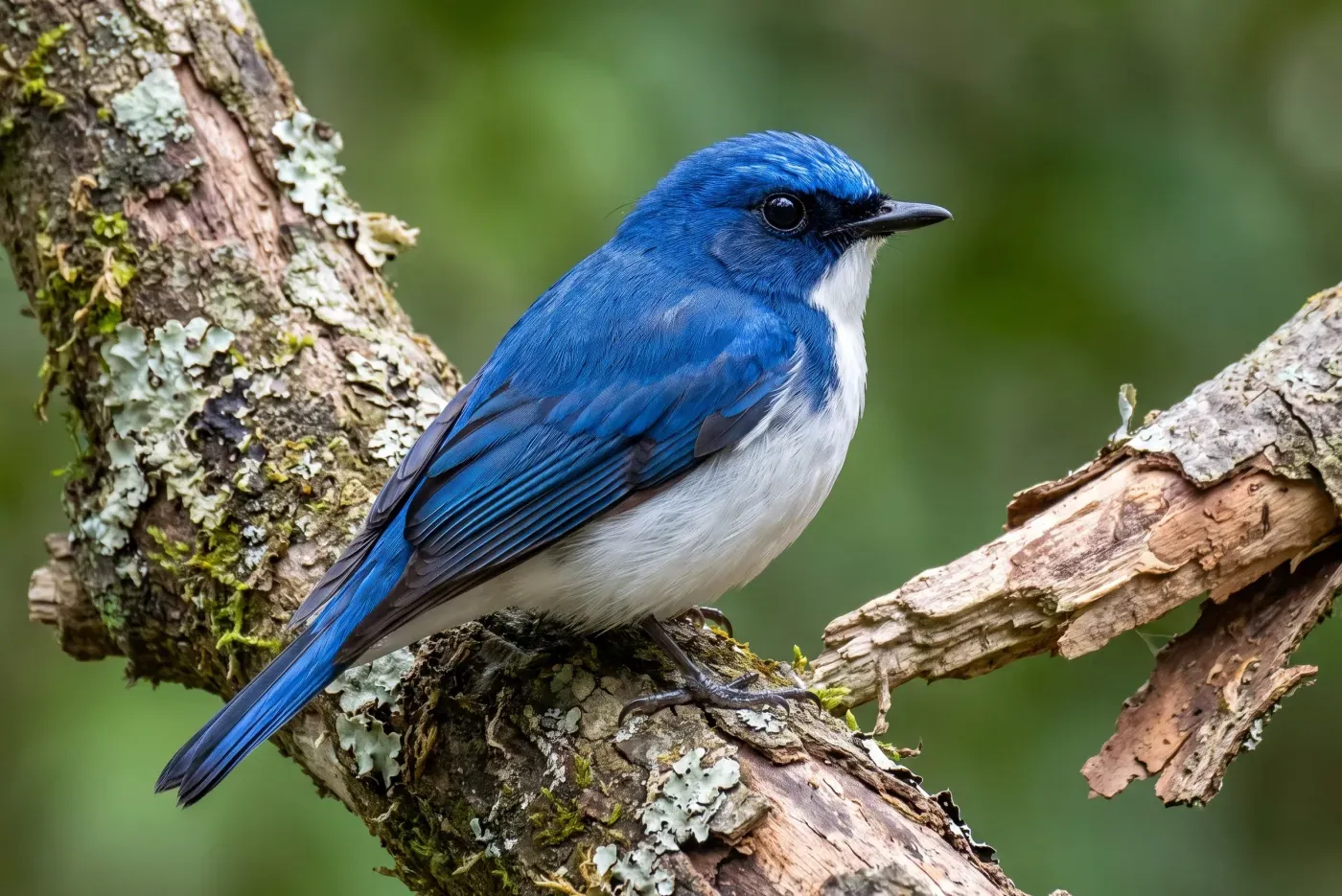
When you turn a photo into a coloring page with our photo to coloring page tool, you pick the sheet first: A4 or Letter, either way round, A5, A3, an 8 × 10 in coloring-book page, a square, or a photo shape (2:3 or 3:2) that still fits on A4. The page is drawn for that sheet at 300 DPI and downloads as a PDF or a PNG, so with matching paper you can print at actual size. A3 is the one exception: it comes out at about 220 DPI, which bold outlines handle well.
 PhotoColoring page
Checklist before you print
- Page size matches your paper, or “Fit to page” is on.
- Grayscale or black-only printing is selected.
- The paper suits the pens: office paper for pencils, heavier for markers.
- For a stack of pages, print one test sheet first.
Frequently asked questions
- What size is a standard coloring page?
- US Letter (8.5 × 11 in) in the US and Canada, A4 (210 × 297 mm) almost everywhere else. Coloring books are often 8 × 10 in.
- Why are the edges of my coloring page cut off when I print it?
- Most home printers cannot print right to the edge of the sheet. Choose "Fit to page" (or "Scale to fit") in the print dialog so the whole drawing lands inside the printable area.
- What paper is best for coloring with markers?
- Heavier paper or light cardstock. Thin office paper is fine for crayons and colored pencils, but markers tend to bleed through it.
Making this yourself? photo to coloring page is the quickest way to start.