People
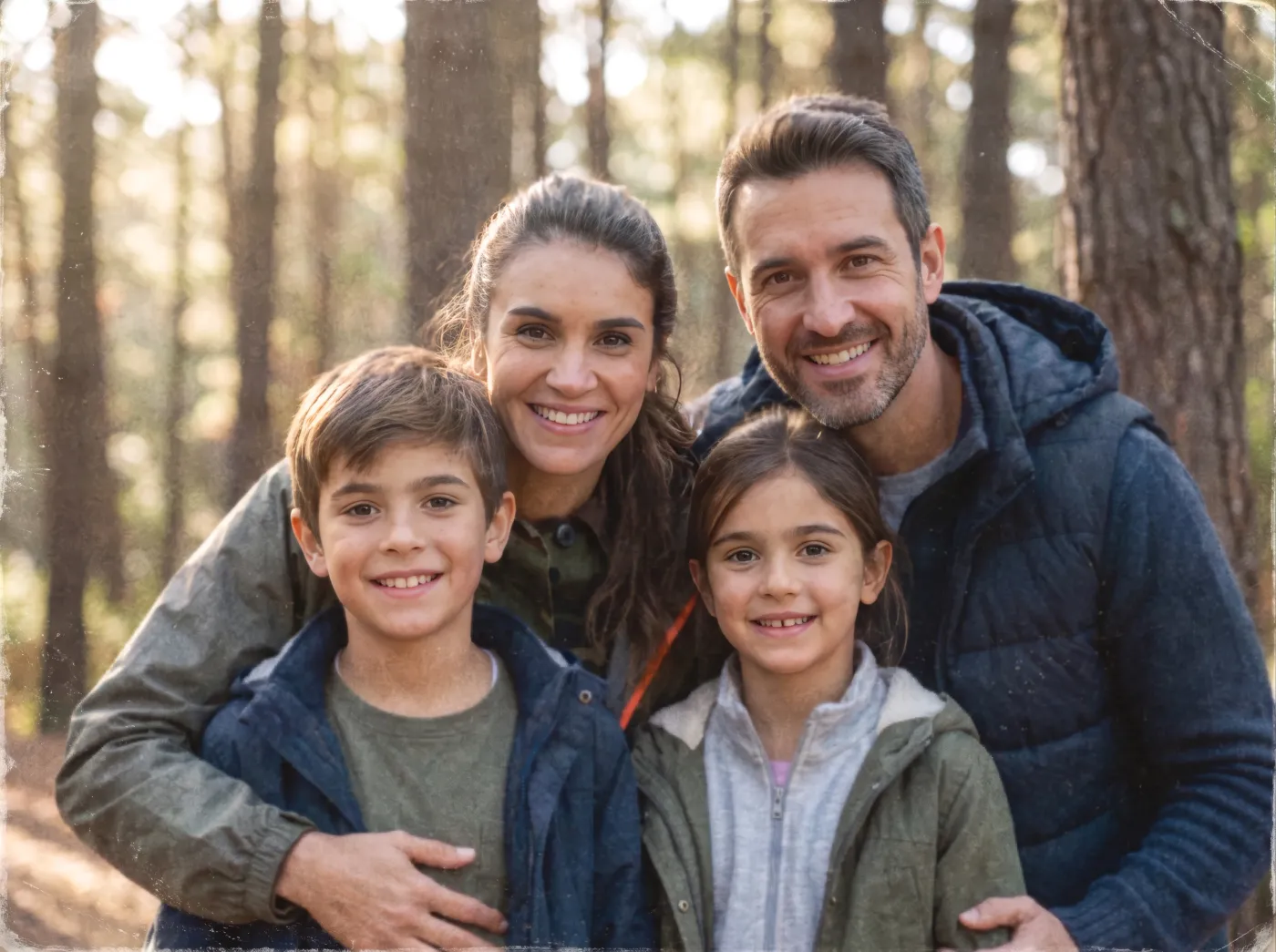
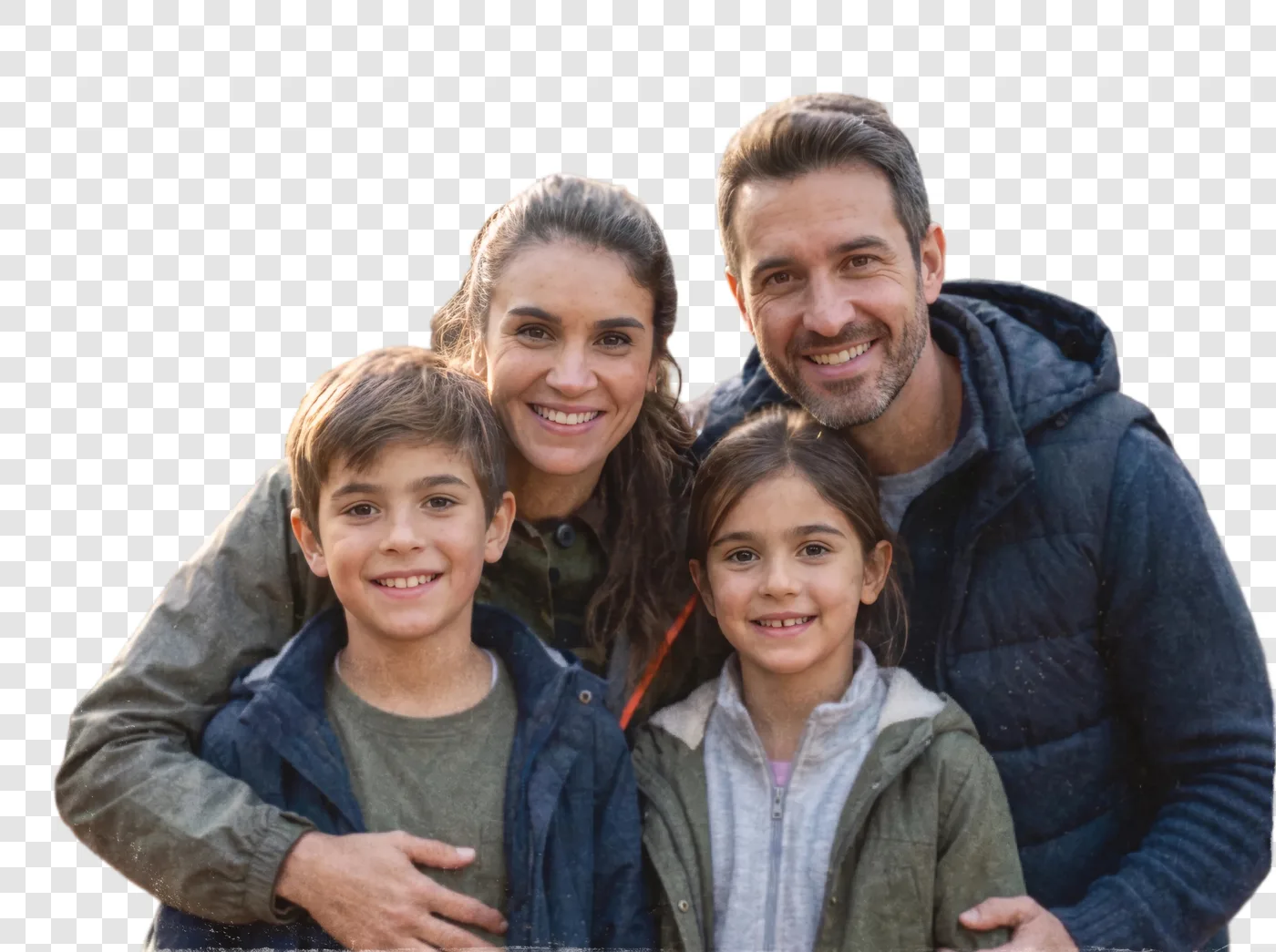
Portraits, couples, whole families. Hair is the hard part, and it keeps its outline instead of being smoothed into a helmet, against a forest as well as a plain wall.
Background remover
Upload a photo and get the subject back on a transparent background, at the size you took it rather than a preview-sized copy. People, pets and products, hair and fur included, with a version on white for shop listings.
What you get
One upload makes both files. You never pick a format before you pay, and neither one is a low-resolution copy with the real one behind a second price.
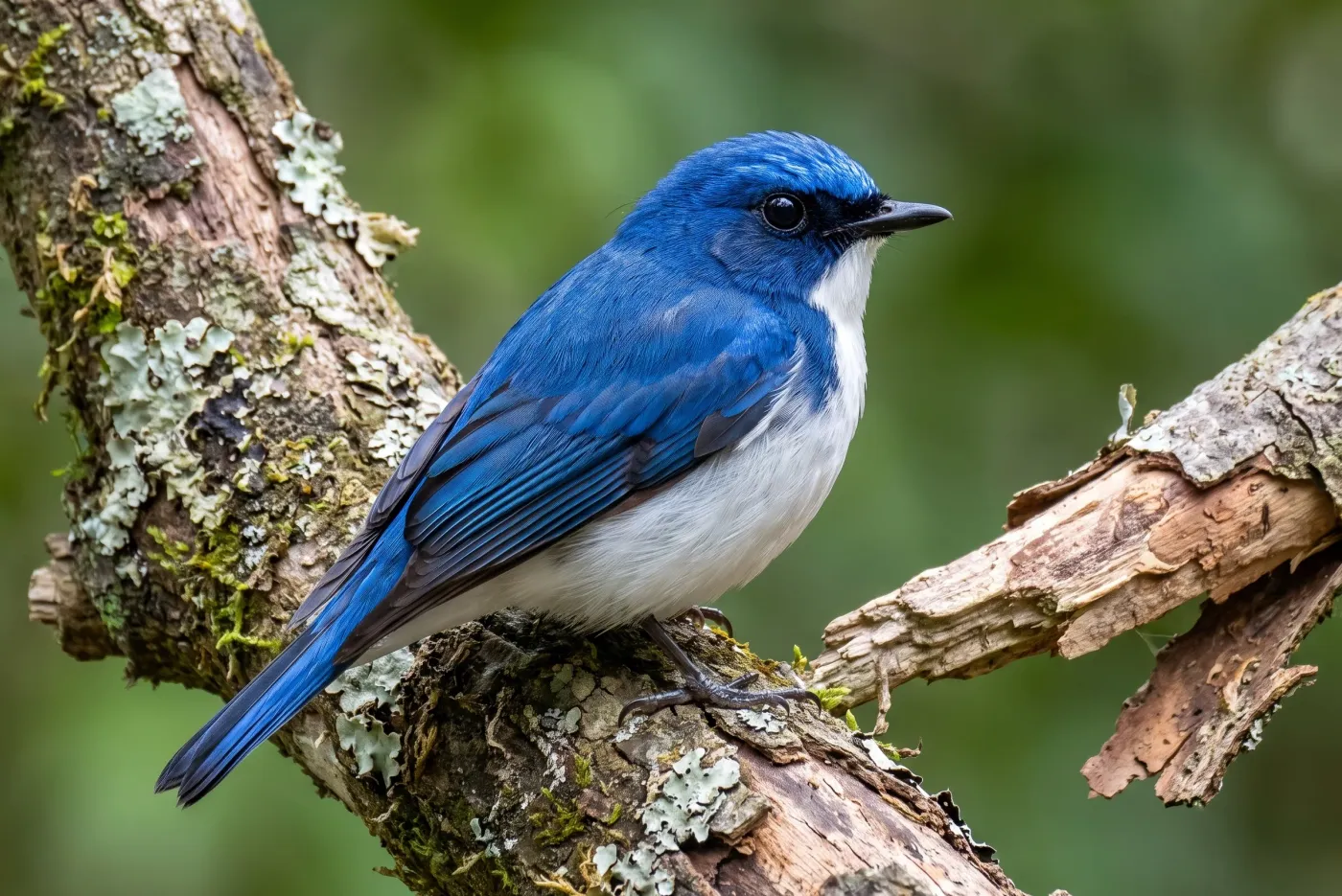
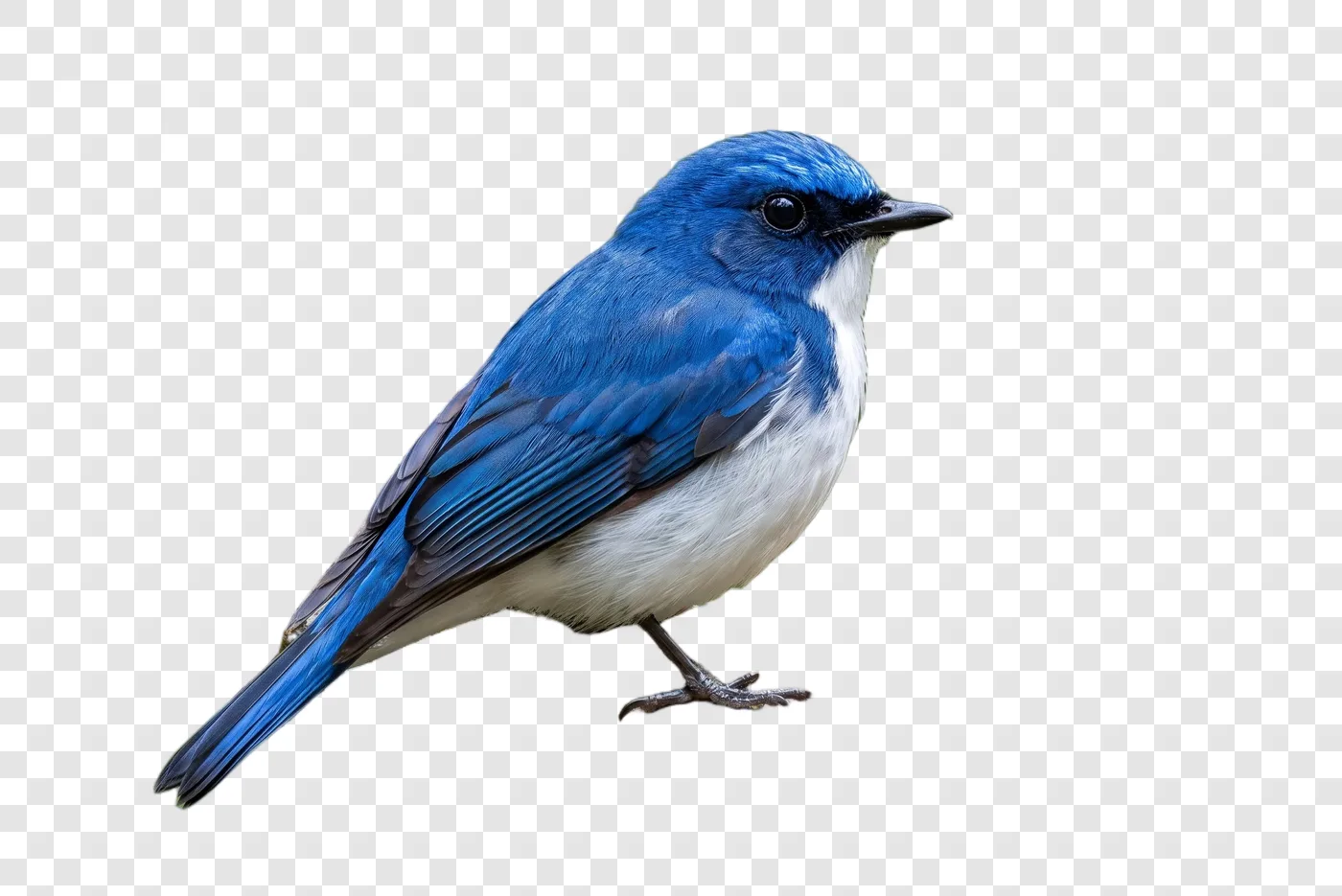
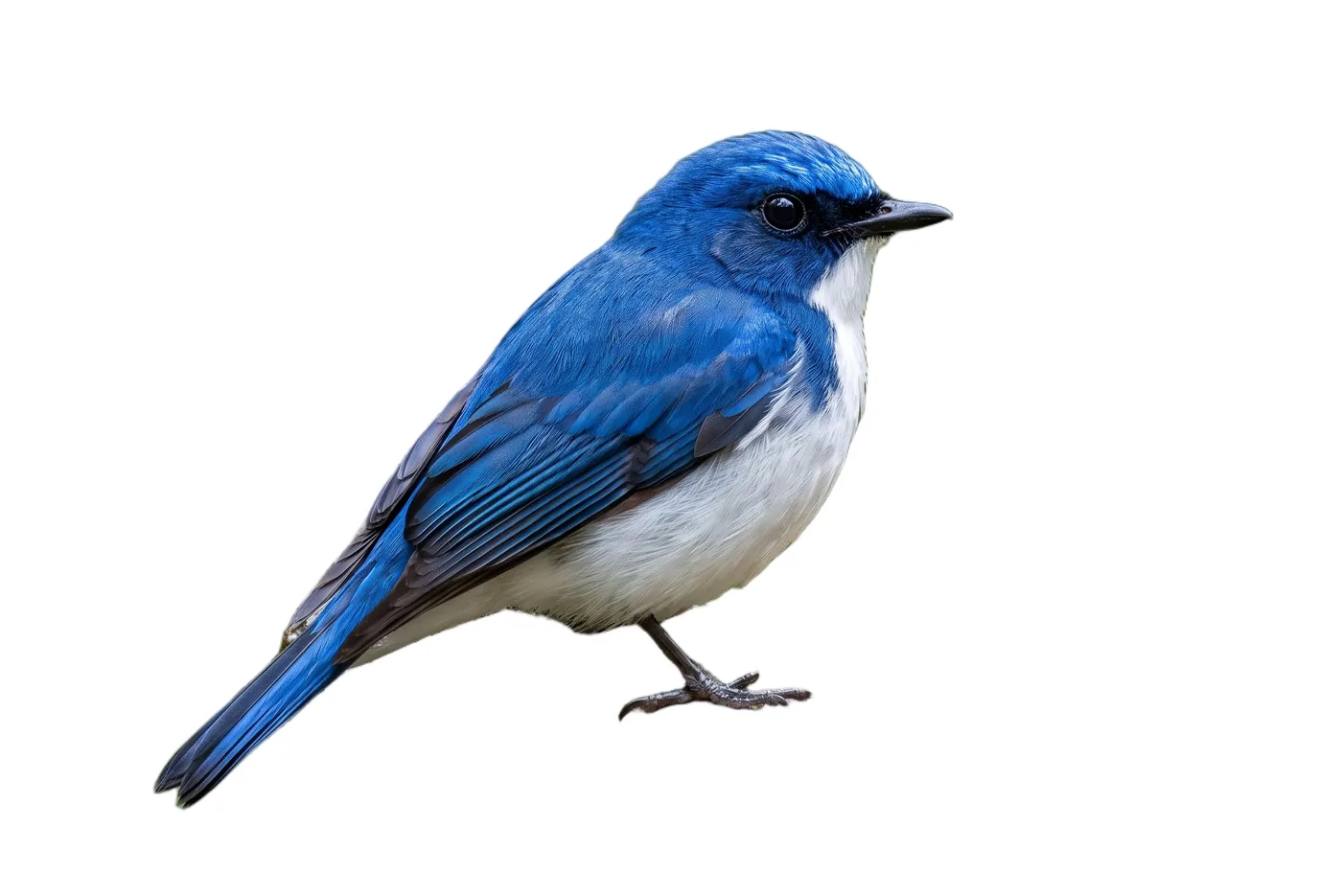
Both come back at the size of your photo, up to 16 megapixels, more than an A4 print at 300 dpi needs. A larger one is scaled down to that, never cropped.
What it cuts
No brush, no mask to paint, no edges to trace. It decides what the photo is of and lifts that off whatever is behind it.
Portraits, couples, whole families. Hair is the hard part, and it keeps its outline instead of being smoothed into a helmet, against a forest as well as a plain wall.
Fur, the edge a cheaper cut-out rounds off, and whatever they are lying on: the cushion stays with the dog instead of being cut in half.
Something you are selling, lifted off a kitchen table. The copy on white is the plain background shop listings ask for, at full size.
The cut-out is a starting point too: turn it into a coloring page, or enlarge it to print big.
How it works
Nothing to choose before you start, so there is nothing to get wrong.
JPG, PNG or WebP, straight off a phone. Anything up to 16 megapixels is kept at full size.
There is nothing to set. The subject is found and cut out for you, edges and all.
Both files are ready together: transparent (PNG) and on white (JPEG), with the photo you uploaded kept beside them.
FAQ
Each cut-out is 3 credits. Signing up gives you 10 credits, enough for 3 cut-outs, with no card, and the files you download carry no watermark.
The size of your photo, up to 16 megapixels, more than an A4 print at 300 dpi needs. A larger photo is scaled down to that, never cropped, so the cut-out still lines up with the original.
Two files from the same run: transparent as PNG, and on white as JPEG. The photo you uploaded is kept beside them.
Yes: hair keeps its outline and fur stays soft rather than cut into a hard edge. Single whiskers that stick out past a face can be lost. The hard case is an edge that matches what is behind it, like a black dog on a dark sofa, where any remover has to guess.
Then it tells you so rather than handing you an empty file, and the credits go back to your balance. A photo where the subject stands apart from the background works best.
Only you. Cut-outs are private to your account and never appear in the public catalogue of pages people share.
Yes: shop listings, product shots and designs you sell, on every plan, including the free one, with no licence to buy. The one condition is that you hold the rights to the photo you started from.
More tools
The photo you want on a card, a sticker or a shop page. Signing up gives you 10 credits (3 cut-outs) with no card.