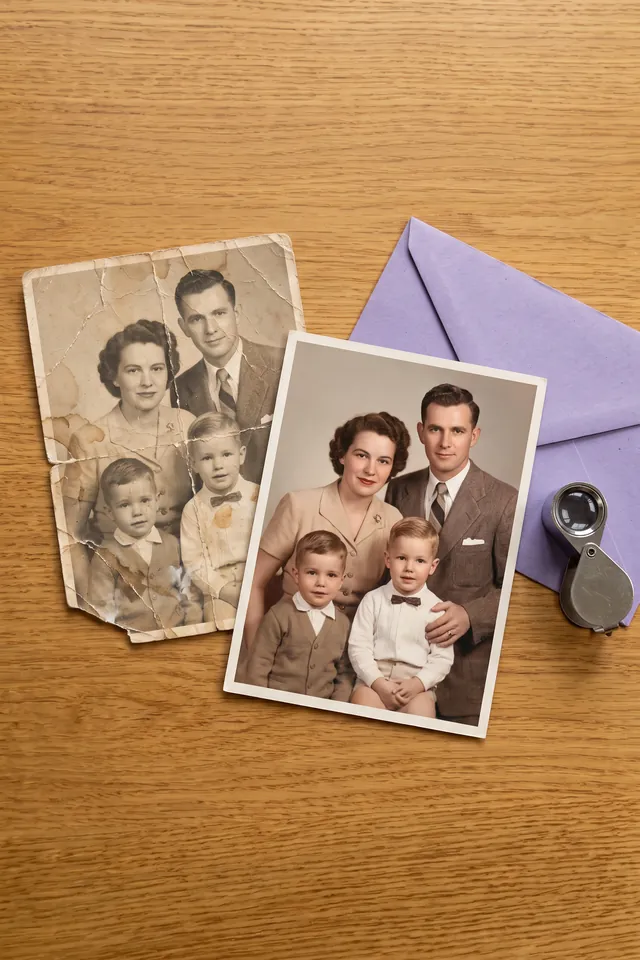
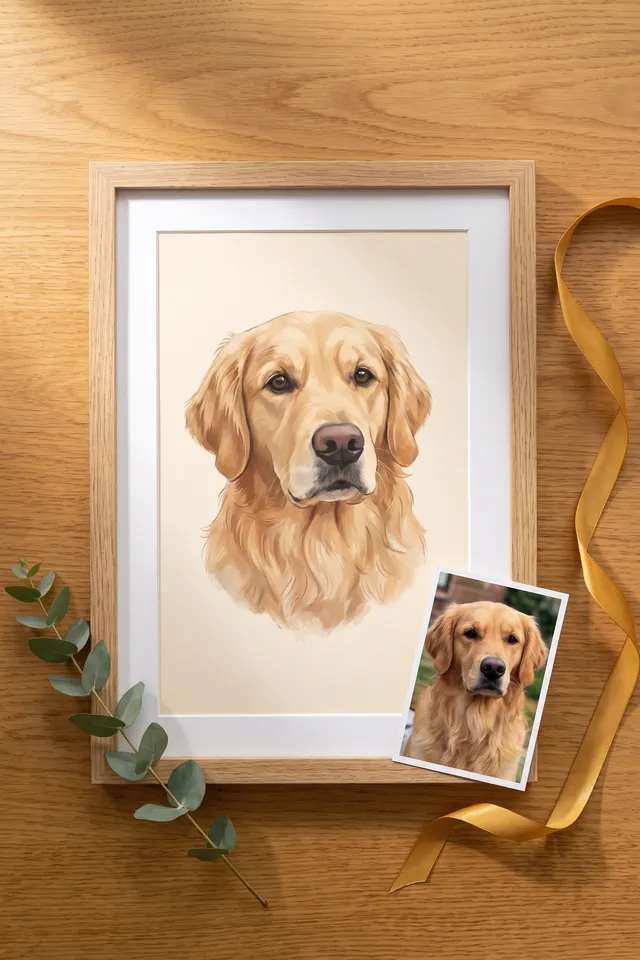
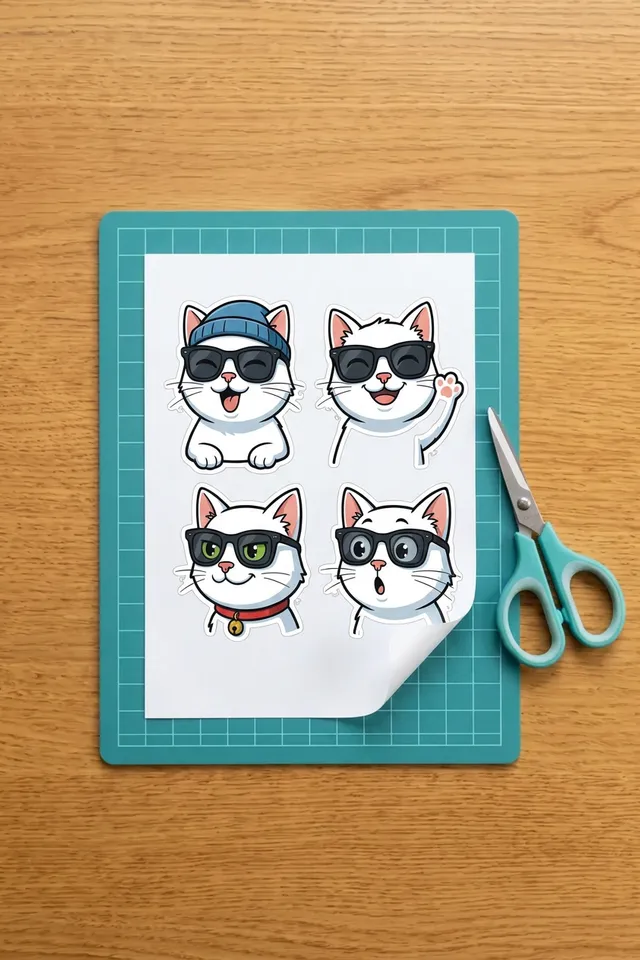
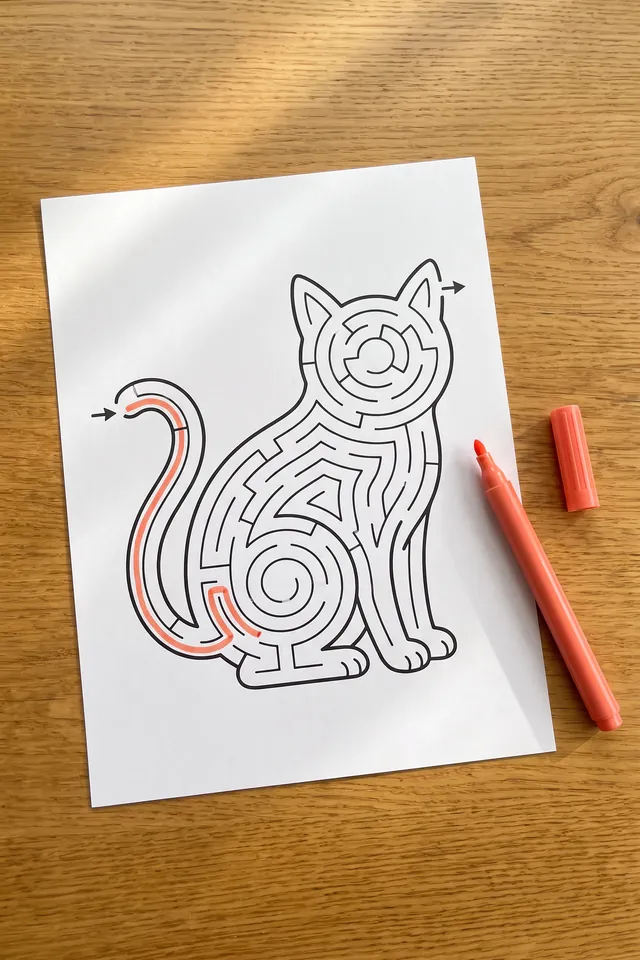
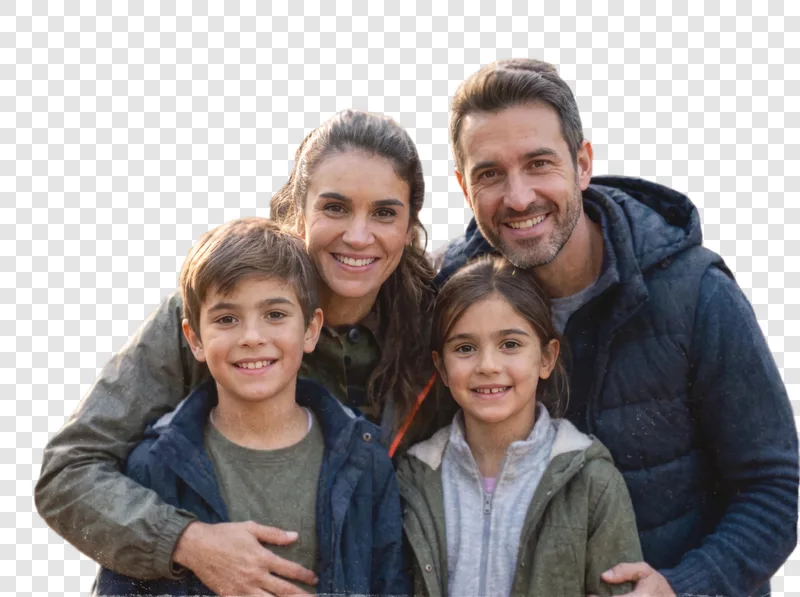
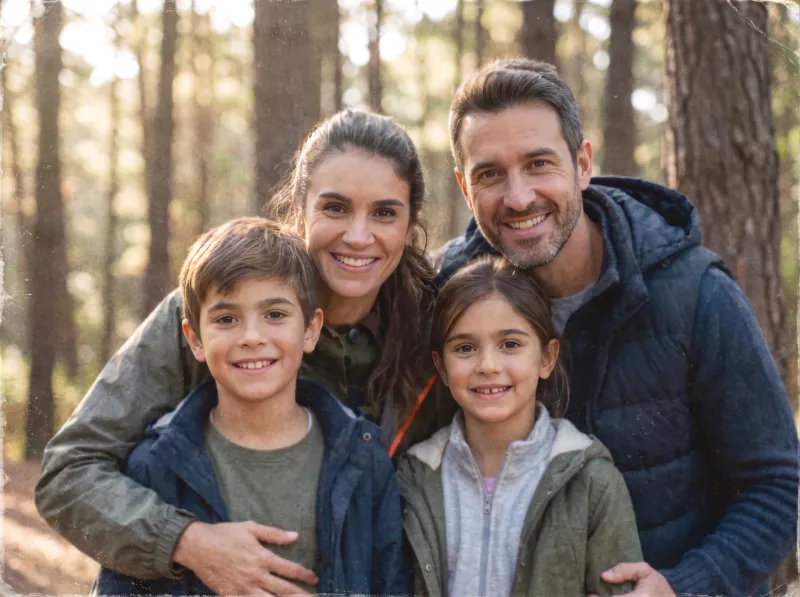
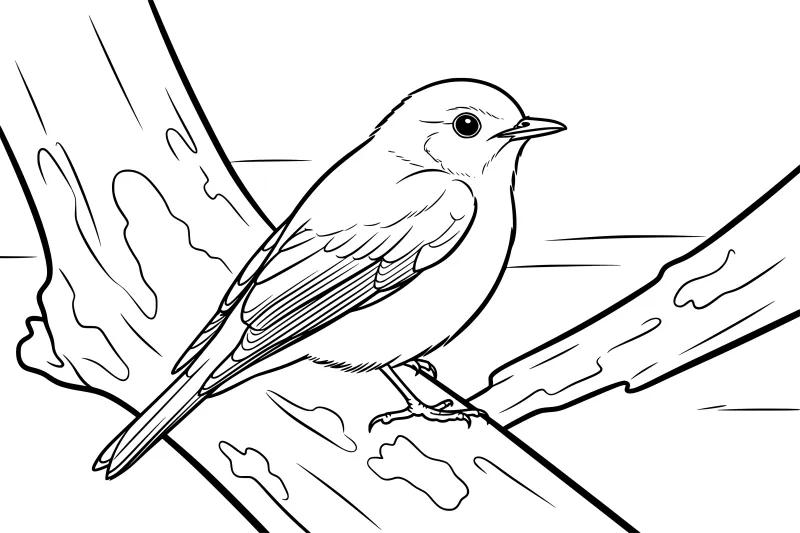
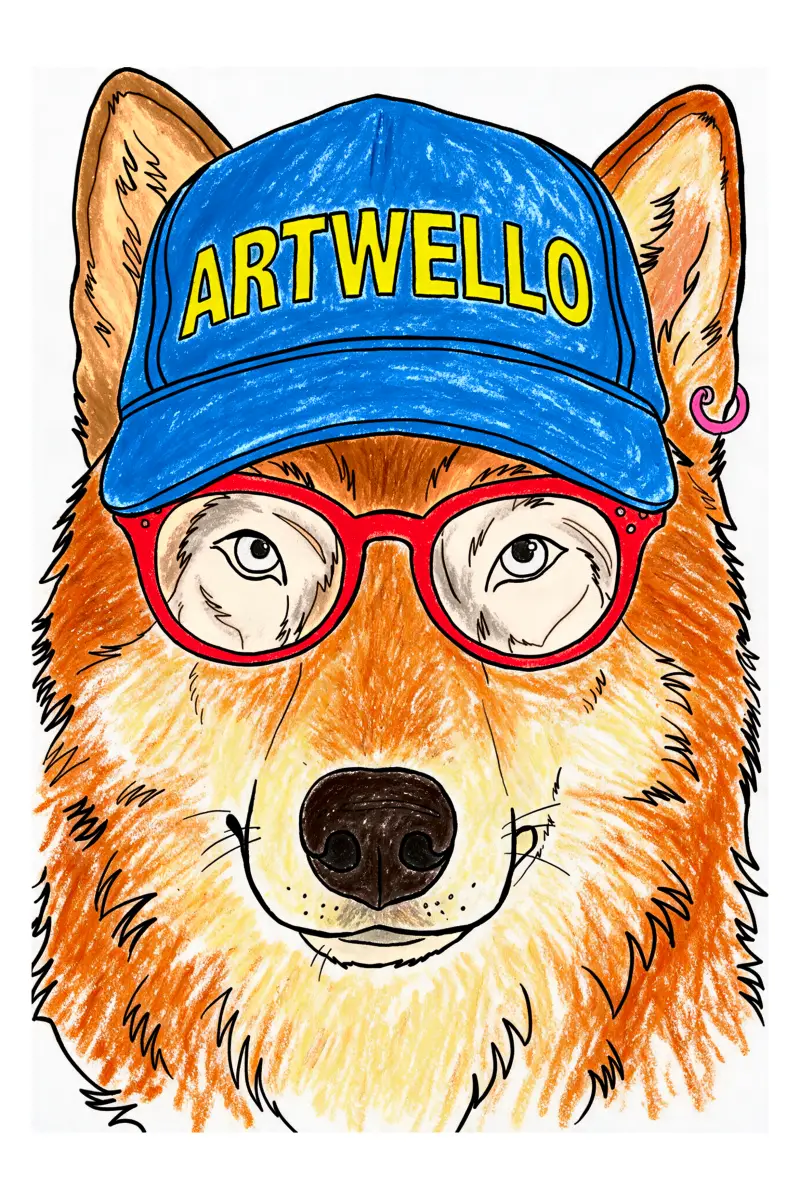
Restore old family photos Upload a faded, scratched or torn photo and get it back with sharp faces and clean detail, large enough to reprint. Black-and-white photos can be colored in as part of the same restore. See the Photo Restoration page. When it's done, "Use this in…" sends the restored photo straight into another tool, such as a coloring page or a portrait. Portraits of your pet or family Turn a photo into wall art in watercolour, line art, cartoon, minimal or pop art. Each portrait comes sized for an 8×10, A4 or 11×14 frame at print quality. See the Portrait Art page. Sticker sheets from a photo Turn a photo into a printable sheet of one, four or six die-cut stickers, in cartoon, kawaii or illustrated style. Every sheet comes with cut lines for Cricut and Silhouette. See the Sticker Sheets page. Dot to dot and mazes for kids Turn a photo of a pet or the family into a connect-the-dots page or a maze in the picture's shape, ready to print on A4 or Letter. Pick how hard it is, from a few big dots or wide paths for little ones to a real challenge, and every page comes with an answer sheet. See the Dot to Dot and Maze pages. Name and quote pages, and real mandalas New Names and Quotes ideas when you make a page from a description: put your child's name or a favourite quote in big letters, with a full border of things to color around it. Every page with words on it is read back after it is drawn, and redrawn if the words came out wrong. The Mandalas ideas now draw one round, centred mandala instead of an all-over pattern. Background Remover Lift the subject off any photo and download it as a full-size transparent PNG, with a copy on white for shop listings. Hair, fur and pets included. See the Background Remover page. Image Upscaler Enlarge a photo or drawing to 2K, 4K or 8K, with the detail rebuilt rather than stretched. Separate modes for photographs, line art and difficult originals. See the Image Upscaler page. Line weight you can measure Each detail level now sets the real thickness of the printed line, from kid-friendly bold to fine liner. "True to photo" redraws your picture faithfully and keeps the furniture and background, not just the people. Download several files at once The downloads panel is now a list with checkboxes. Tick the formats and sizes you want and get them all in one download. Turn it into color Any finished coloring page can now be colored in for you, in pencil, watercolour or marker. The lines stay exactly where they were, so the colored version matches the page you printed. The coloring follows the page's own style, so flat-fill styles stay flat.