Image resolution for printing: the pixel sizes you need

For a sharp print, multiply each side in inches by 300: an 8×10 inch print needs 2400 × 3000 pixels. Big prints that are seen from a few steps away can drop to 150 DPI, so a 24×36 inch poster needs about 3600 × 5400 pixels.
That one multiplication answers most “will this print well?” questions. The chart below has the common sizes worked out, and the rest of this guide covers checking your own photo and what to do when it comes up short.
Pixels, DPI and print size
A digital image is a grid of pixels. Printing spreads that grid over paper, and DPI (dots per inch, often used interchangeably with PPI, pixels per inch) is how many of those pixels land on each inch:
pixels needed = print size in inches × DPI
How many dots per inch is enough depends on how close people stand:
- 300 DPI: photo quality. Hold it in your hand and you will not see a pixel. The standard for photo prints, cards and anything read up close.
- 200 DPI: still looks sharp in a frame on a wall or a desk. A good floor when 300 is out of reach.
- 150 DPI: fine for posters and large prints viewed from a metre or more. Up close, soft edges start to show.
Below about 150 DPI you will usually see blur or blocky edges at normal viewing distance, especially on faces and text.
Print size chart
Pixels for the most common print sizes. Either orientation works: a 4×6 needs 1200 × 1800 whether it is portrait or landscape.
| Print size | 300 DPI (photo quality) | 150 DPI (poster) | Megapixels at 300 DPI |
|---|---|---|---|
| 4 × 6 in | 1,200 × 1,800 | 600 × 900 | 2.2 MP |
| 5 × 7 in | 1,500 × 2,100 | 750 × 1,050 | 3.1 MP |
| 8 × 10 in | 2,400 × 3,000 | 1,200 × 1,500 | 7.2 MP |
| US Letter, 8.5 × 11 in | 2,550 × 3,300 | 1,275 × 1,650 | 8.4 MP |
| A4, 210 × 297 mm | 2,480 × 3,508 | 1,240 × 1,754 | 8.7 MP |
| 11 × 14 in | 3,300 × 4,200 | 1,650 × 2,100 | 13.9 MP |
| A3, 297 × 420 mm | 3,508 × 4,961 | 1,754 × 2,480 | 17.4 MP |
| 16 × 20 in | 4,800 × 6,000 | 2,400 × 3,000 | 28.8 MP |
| 18 × 24 in | 5,400 × 7,200 | 2,700 × 3,600 | 38.9 MP |
| 24 × 36 in | 7,200 × 10,800 | 3,600 × 5,400 | 77.8 MP |
If your image has a different shape from the print, compare the shorter side of each. Whatever does not fit gets cropped or left as a white border, so the short side decides whether the print will be sharp.
How to check your image’s resolution
You need the pixel dimensions, not the file size in megabytes:
- Windows: right-click the file → Properties → Details → Dimensions.
- Mac: open it in Preview → Tools → Show Inspector (⌘I).
- iPhone: open the photo in Photos and swipe up, or tap the ⓘ button.
- Android (Google Photos): open the photo and swipe up for the details.
Then divide by the print size. A 3000 × 2000 pixel photo printed at 10 × 6.7 inches gives 3000 ÷ 10 = 300 DPI. The same photo at 20 × 13.3 inches gives 150 DPI: fine as a poster, soft if you stand close.
One common trap: the “DPI” field inside the file does not matter. Photo editors let you change it from 72 to 300 without touching a single pixel, and the print comes out exactly the same. Only the pixel count changes what you get on paper.
Another is the photo you got back from a messaging app. Many chat apps shrink images before sending them, so the copy on your phone may be a fraction of the original’s resolution. If you can, ask for the original file, or send it by email or a shared album instead.
When your photo is too small
If the numbers come up short, you have three options:
- Print smaller. Moving from 8×10 to 5×7 cuts the pixels needed by more than half.
- Accept a lower DPI for a print that hangs on a wall. 200 DPI rarely disappoints; 150 DPI suits posters.
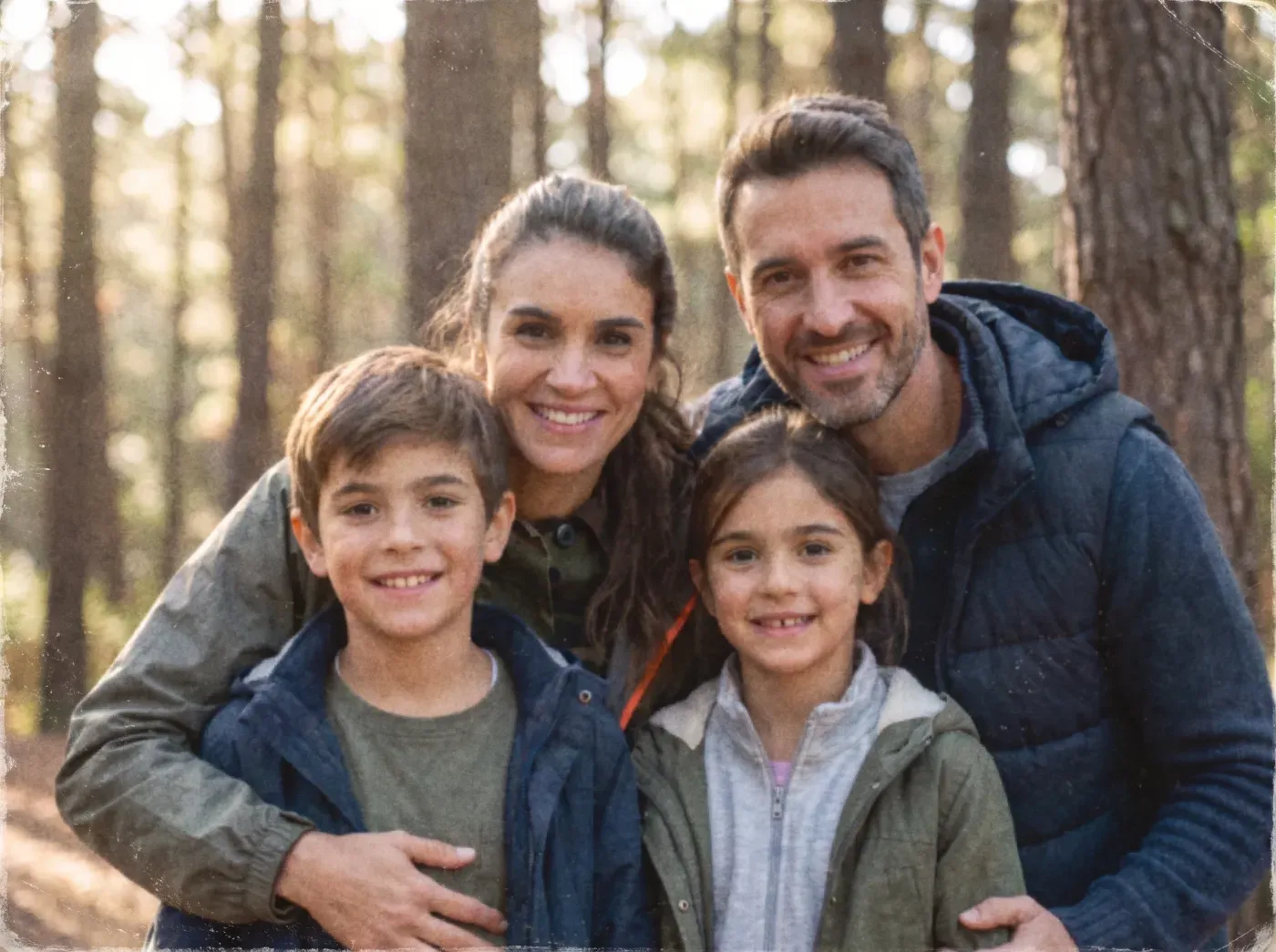
- Upscale the image. An AI upscaler adds pixels and rebuilds detail (edges, hair, texture) instead of just stretching the existing ones, which is what a photo editor’s “resize” does.
 BeforeAfter
Upscaling works best on photos that are small but clean. It cannot recover what was never captured: a face that is a blur of a dozen pixels will come back as a believable face, not necessarily the exact one. For prints you care about, always look at the result at 100% zoom before you order.
What upscaling sizes print to
If you use our image upscaler, the output sizes are set by the long edge, so you always know what you are getting:
| Output | Long edge | At 300 DPI | At 150 DPI |
|---|---|---|---|
| 2K | 2,048 px | 6.8 in (17 cm) | 13.7 in |
| 4K | 3,840 px | 12.8 in (32.5 cm), about A4 | 25.6 in |
| 8K | 7,680 px | 25.6 in (65 cm), about A2 | 51.2 in |
Pick the mode that matches the picture: Photo for photographs, Line art for drawings and coloring pages (a photo model would invent texture in the white paper), and Premium for faces and difficult originals, which goes up to 4K.
Quick answers by print
- Photo prints (4×6, 5×7): almost any modern phone photo is enough at 300 DPI. Check old scans and images saved from chats or social media.
- Framed prints (8×10, 11×14, A4, A3): aim for 300 DPI; 200 is fine behind glass on a wall.
- Posters (18×24, 24×36): 150 DPI is the realistic target, which still means 2700 × 3600 pixels or more.
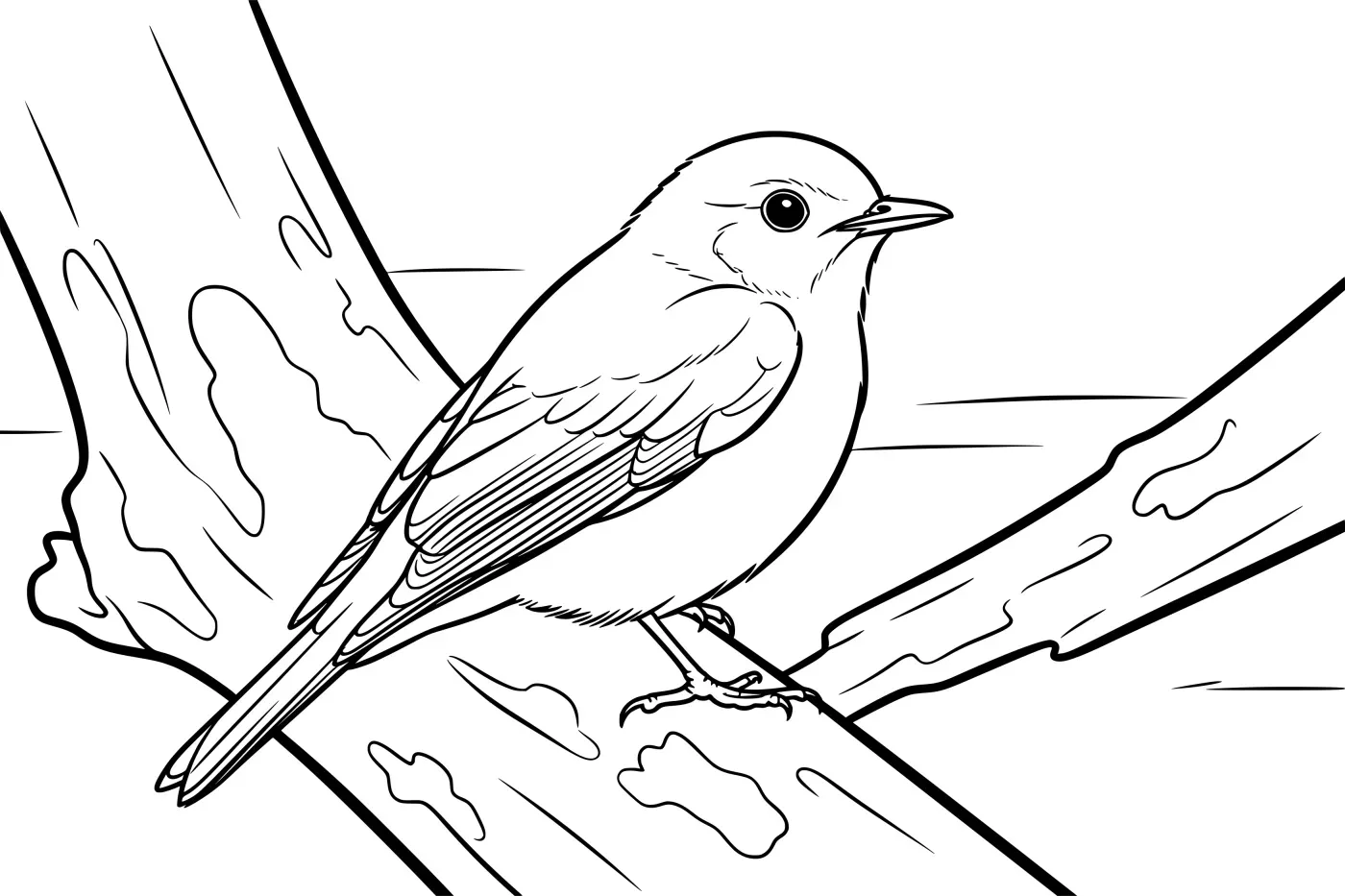
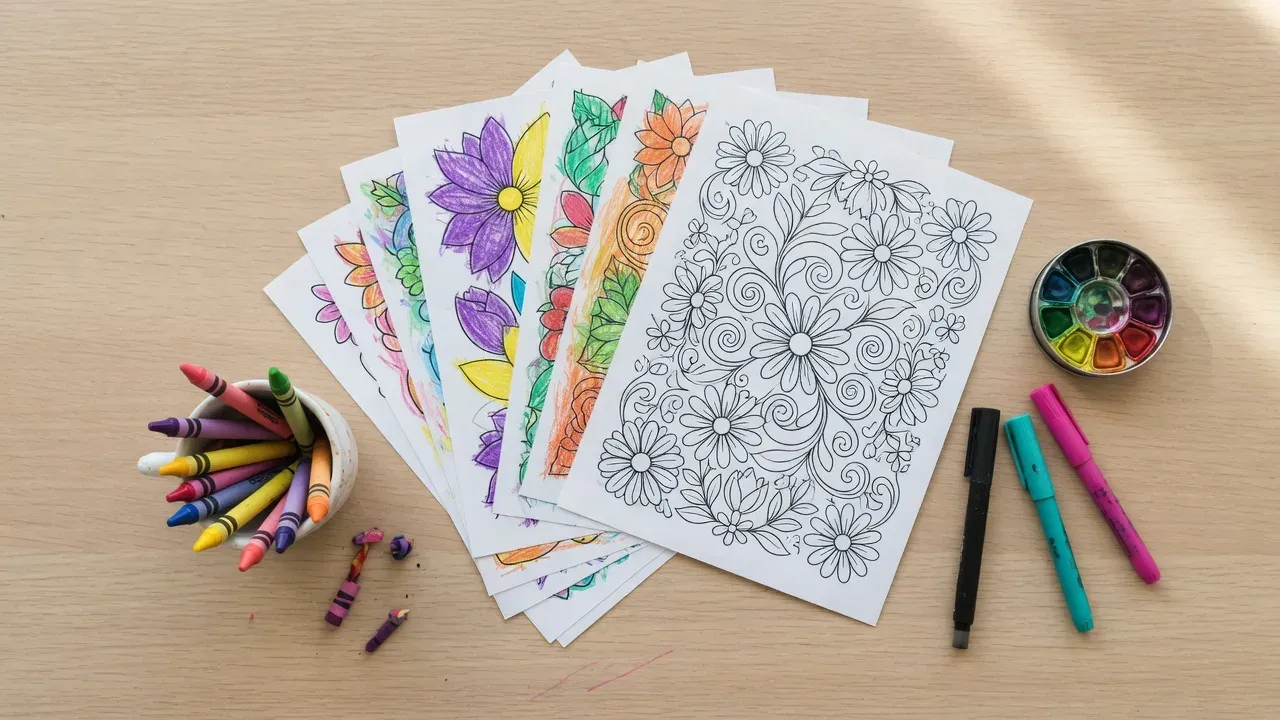
- Coloring pages and line art: clean black lines forgive a lot, but blurry edges print as grey fuzz. See the coloring page print size guide for paper sizes and printer settings.
Frequently asked questions
- What resolution do I need to print an 8×10 photo?
- 2400 × 3000 pixels for photo quality at 300 DPI. Down to about 1600 × 2000 (200 DPI) still looks good in a frame.
- Does changing the DPI setting in a photo editor make the print sharper?
- No. The DPI number in a file is only a label. What decides sharpness is how many pixels the image has for the size you print it at.
- Can I print a poster from a phone photo?
- Usually yes. A 12-megapixel phone photo (4032 × 3024) prints at photo quality to about 13 × 10 inches, and to roughly 27 × 20 inches at 150 DPI, which is fine for a poster seen from a few steps away.
Making this yourself? image upscaler is the quickest way to start.